Can you print onto blank playing cards using an inkjet printer at home?
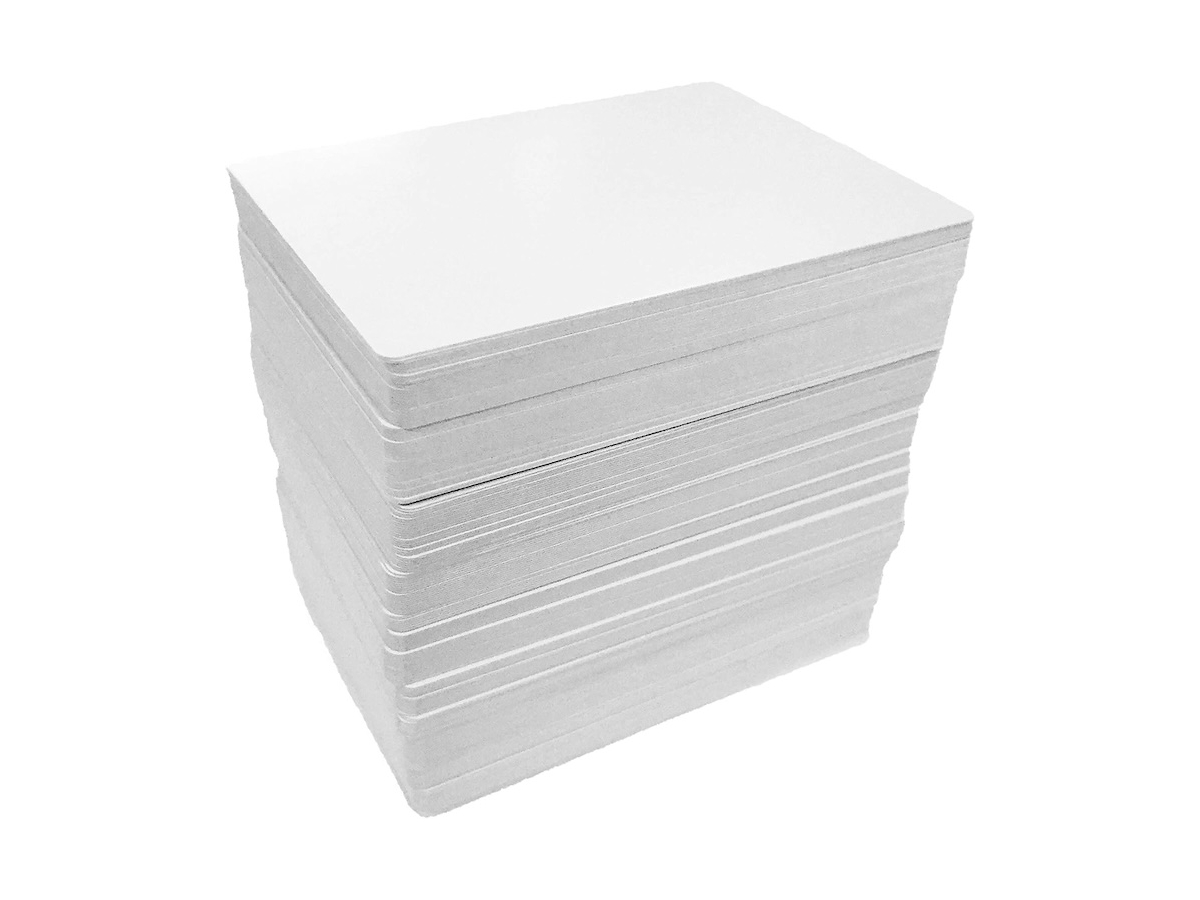
When we print playing cards at home, we usually print a few of them on an A4 sheet, and then cut each card out.
This works nicely when we want to print out lots of cards (e.g. for a deck).
However, what if just want a single card? It feels wasteful to use an entire A4 sheet.
Magic: The Gathering designers are able to print onto blank cards. Let’s see if we can do the same thing using a standard home printer.
Pre-cut cards
You can buy cards which are pre-cut to size on Amazon, like in the photo above.
Alternatively, you could make your own blank cards with a paper guillotine or rotary cutter.
Could you put these straight into a standard inkjet printer?
Kind of … but there are challenges, as we’ll see.
Can a printer take such a small piece of card?
Surprisingly, yes it can. I’ve got a Canon G3520 MegaTank printer, and you can put a tiny little card in the paper feed:
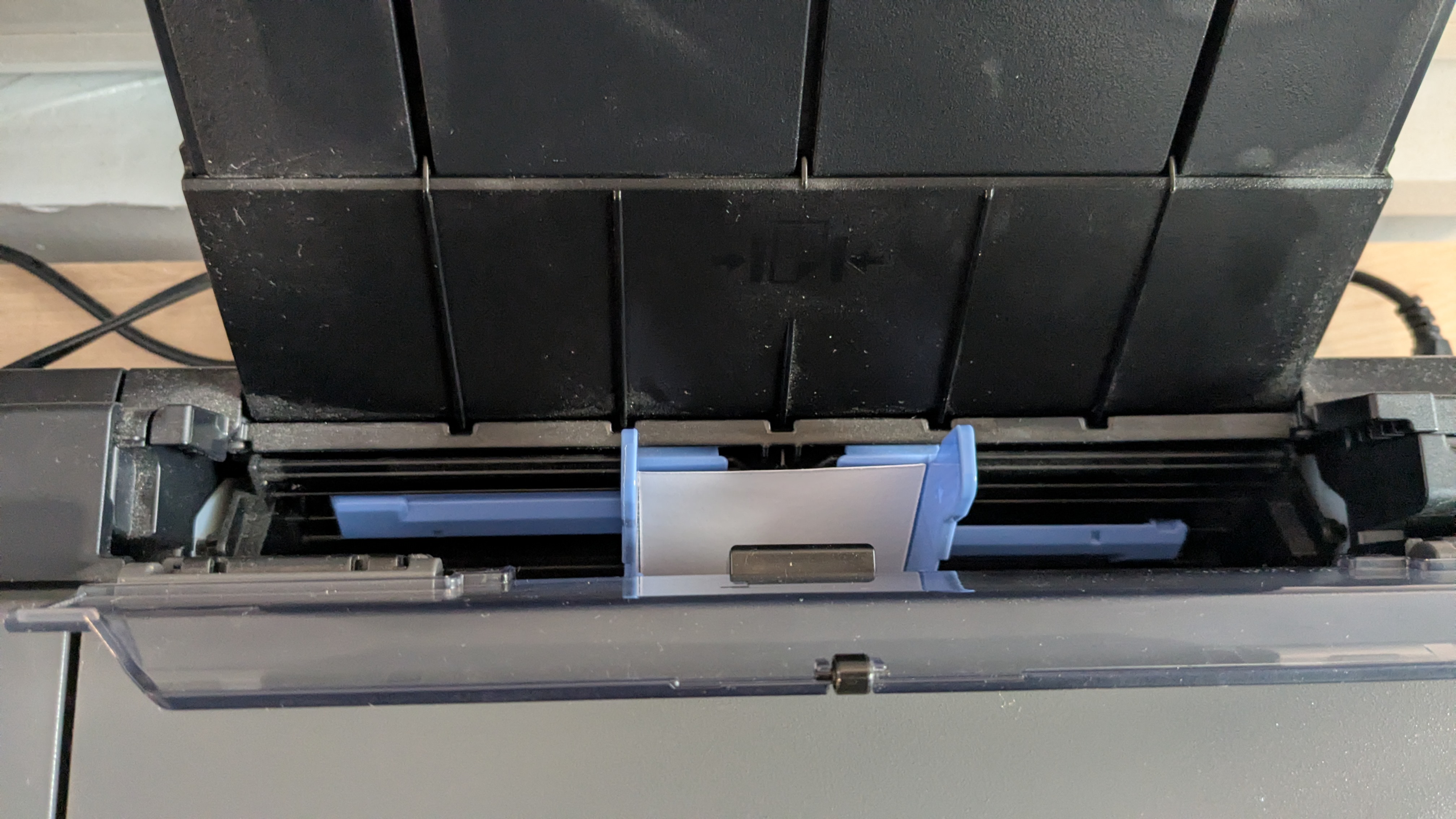
Make sure you push it down quite far, until it stops.
I’ve had the occasional jam, but mostly it works fine - the printer was able to pull the card through OK, and print on it.
In order to do this though, I had to set a custom print size in macOS. In the print dialogue, where you select the paper size (see below), there’s a ‘Manage Custom Sizes…’ option at the bottom.
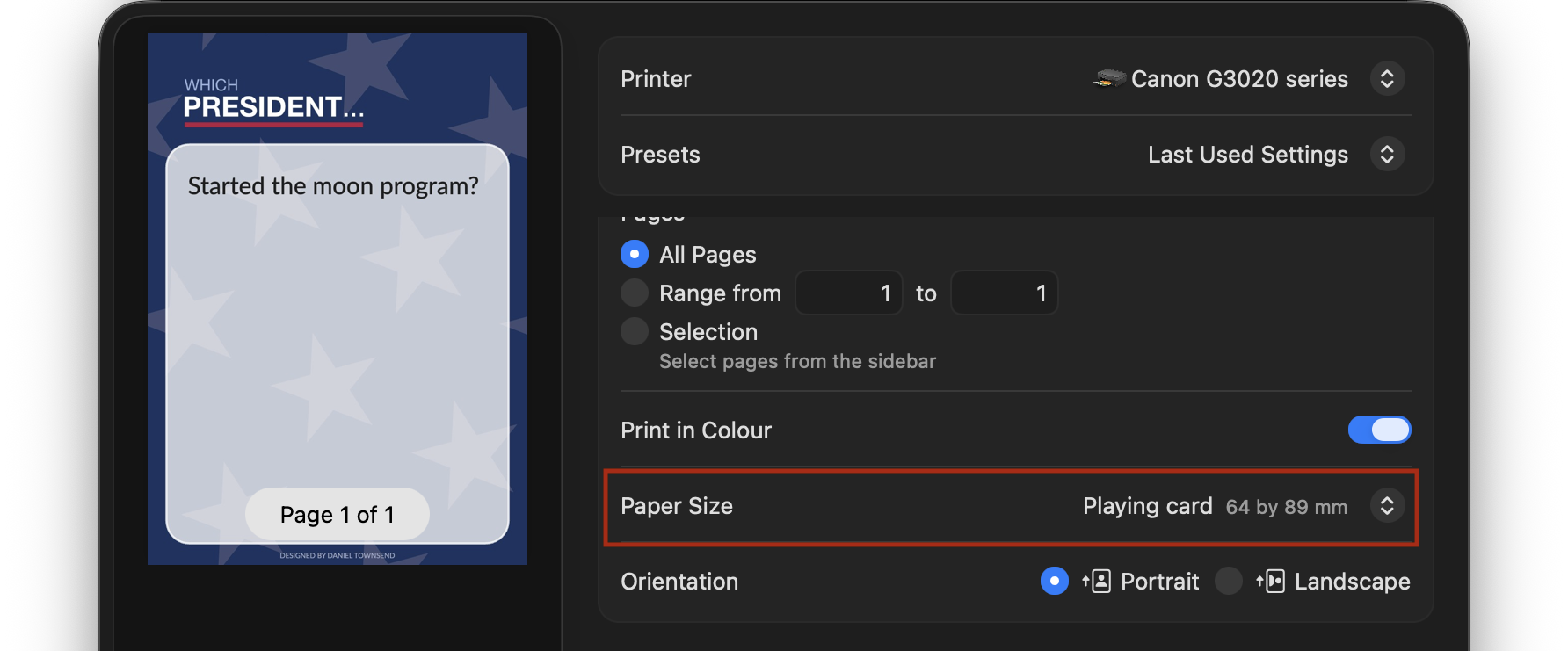
I added a custom size with the dimensions of a playing card:
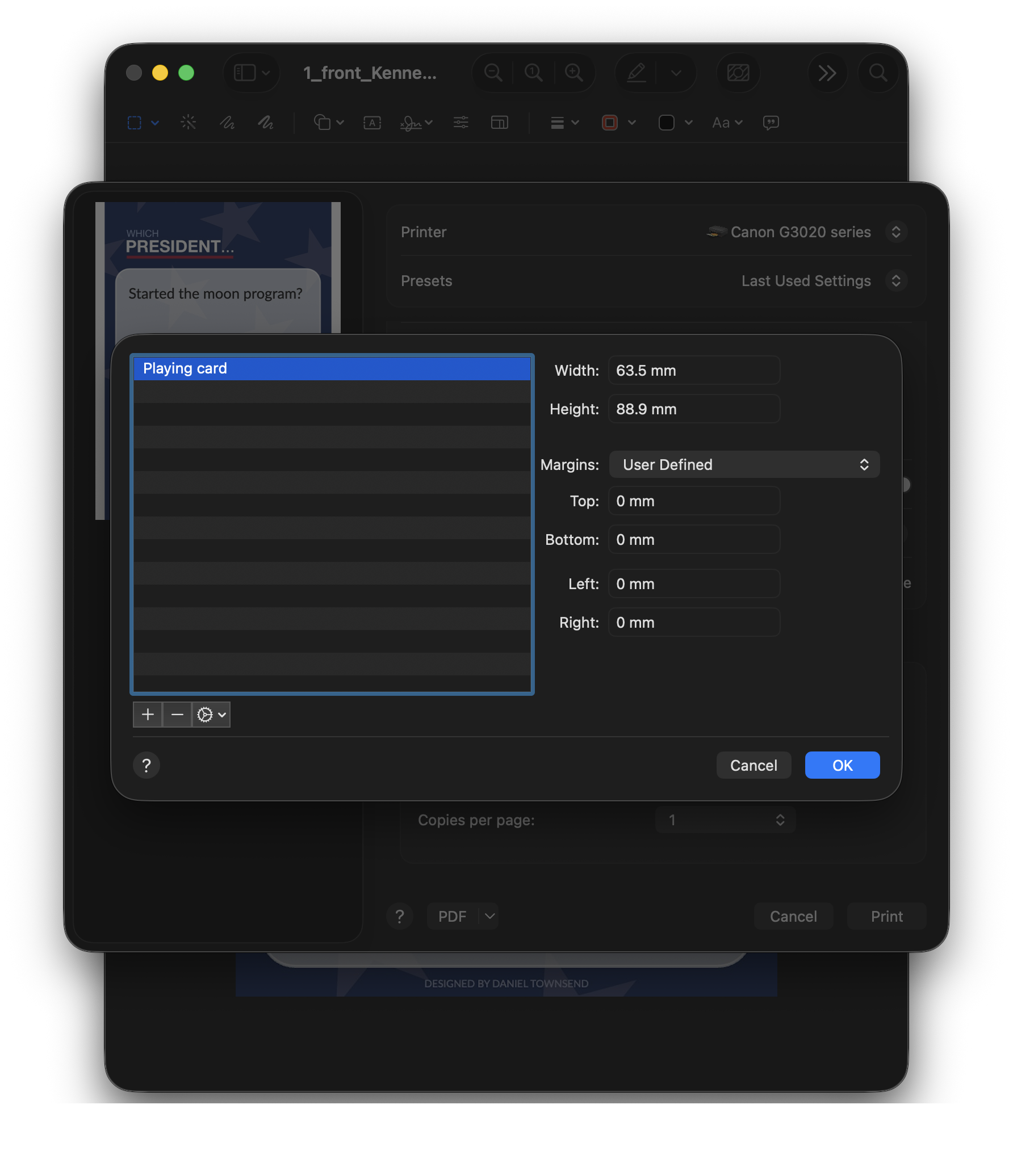
So what happened?
Well, it printed. But there was a problem.
Even though it printed to scale, it couldn’t print all of the way to the edges:
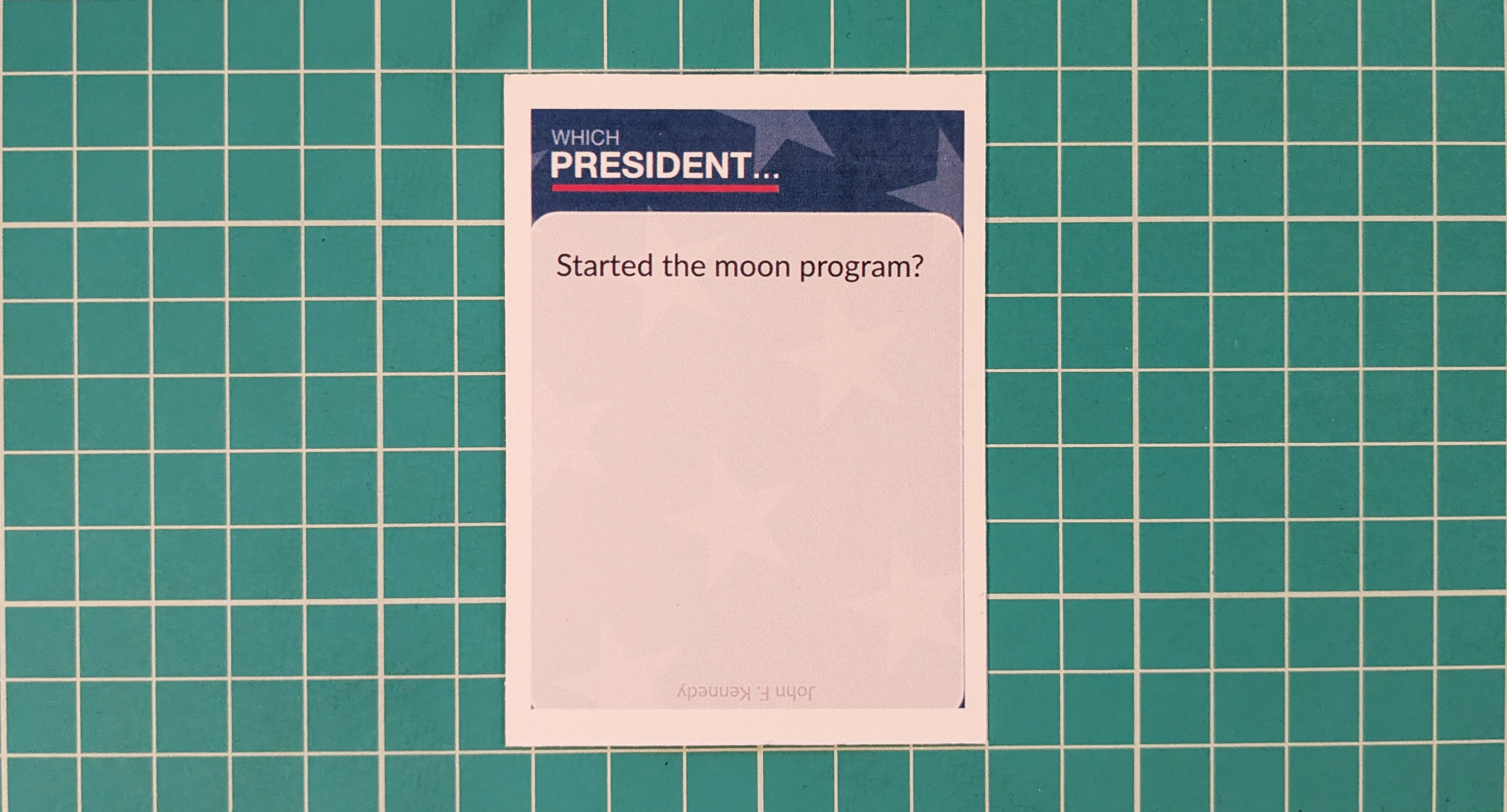
My printer is unable to do borderless printing on such small pieces of card.
This might actually be OK, depending on your design. If you have white borders anyway, or your game is in the early prototype stage, then you might not care.
Work around
To get around the lack of borderless printing, I had to print onto a larger piece of card:
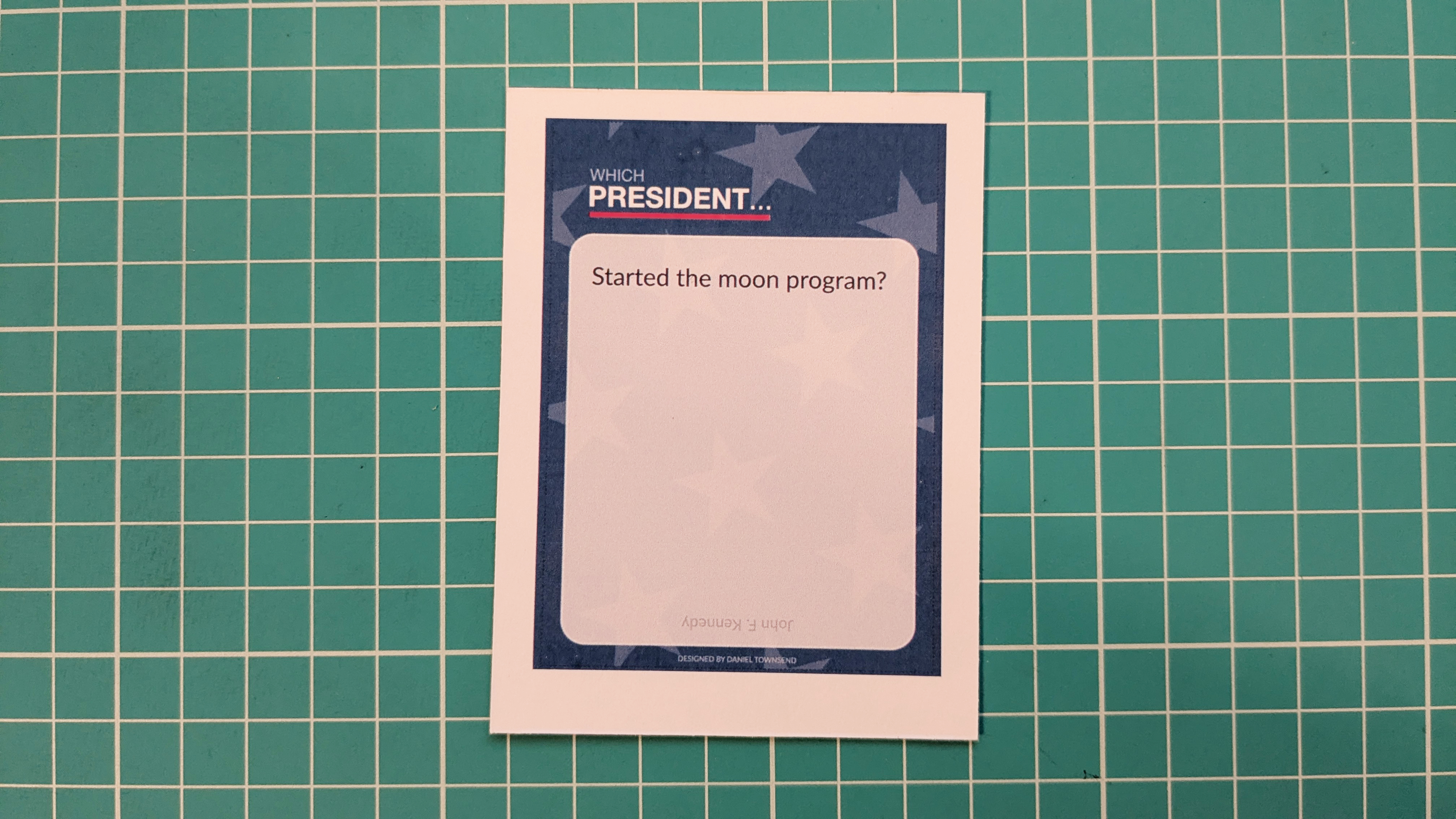
And then trimmed it down to size:
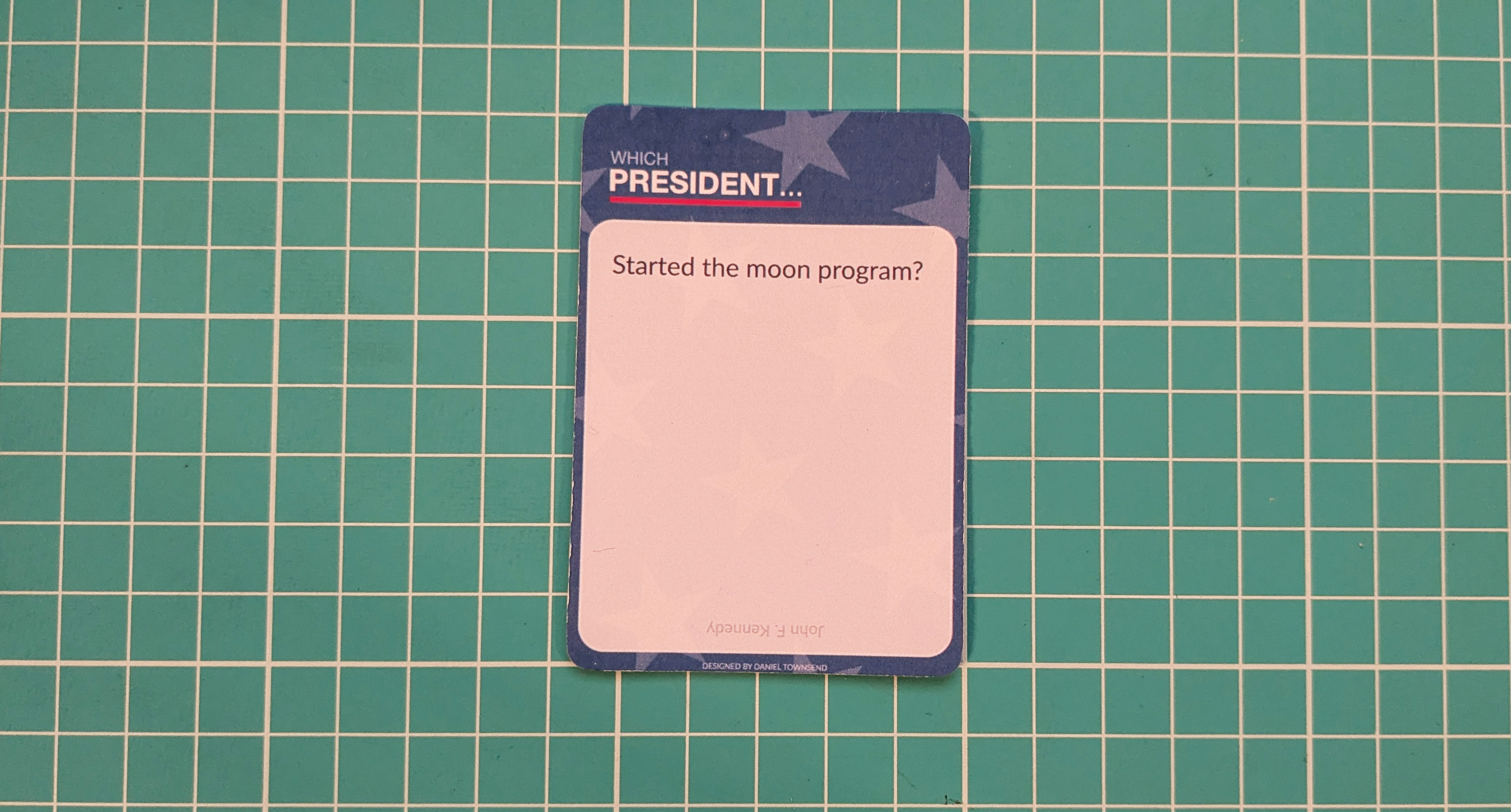
Was it worth it?
If you’ve got a simple design, with a white background, then printing onto pre-cut playing cards (like the ones from Amazon) seems to work OK.