Understanding borderless printing
When I first started printing out cards I struggled to print them out at the perfect size.
I’d cut out the printed cards, and they wouldn’t fit in the card sleeves - so annoying!
It’s because I wasn’t aware of borderless printing.
On macOS, when printing an image, it adds a border around your image by default. So effectively, the image is being scaled down to make room for the border.
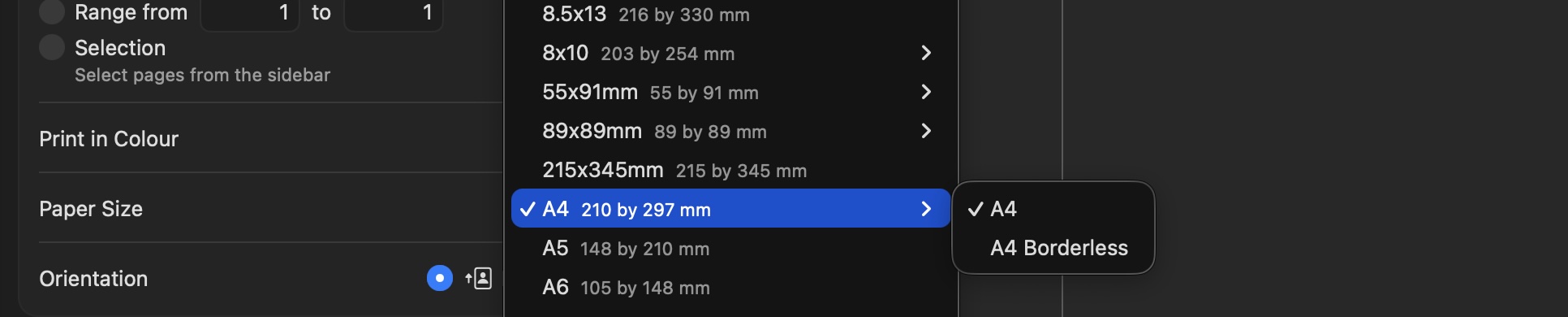
If you’ve designed something to fit perfectly on an A4 sheet, then you have to select A4 Borderless in the print options (see the image above).
If you select this, then it prints the image at the correct size.