Physical vs digital card prototyping
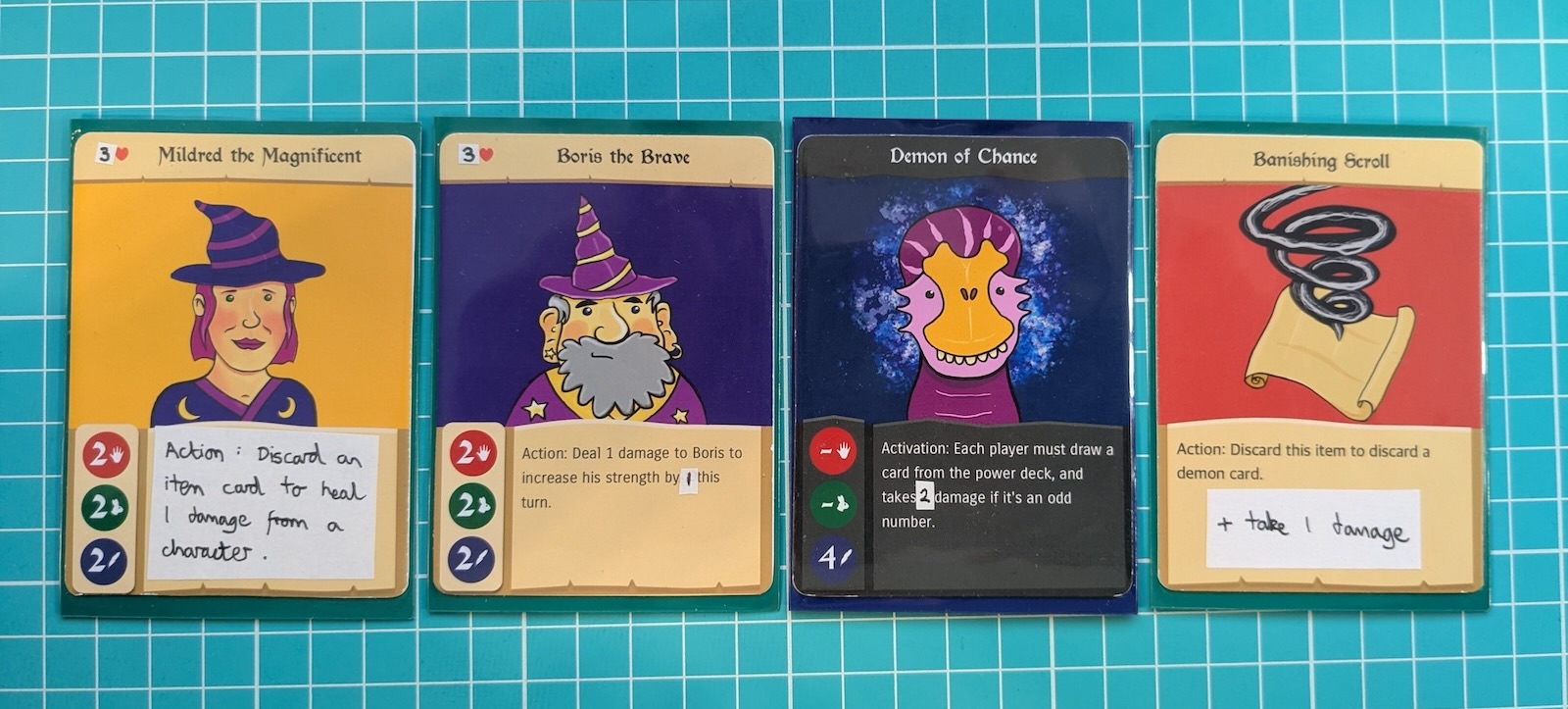
When designing a game, it’s common to go through several iterations - tweaking the rules, and the cards themselves, until it all just clicks.
Often a combination of physical and digital prototyping will be used - each has its own strengths and weaknesses.
Digital prototyping
In the early phases of prototyping, it can be useful to use digital prototyping.
Card Game Builder lets you easily export your game for Tabletop Simulator (TTS). The advantage of doing this is you don’t have to spend any time printing out the game. You can also playtest with anyone in the world.
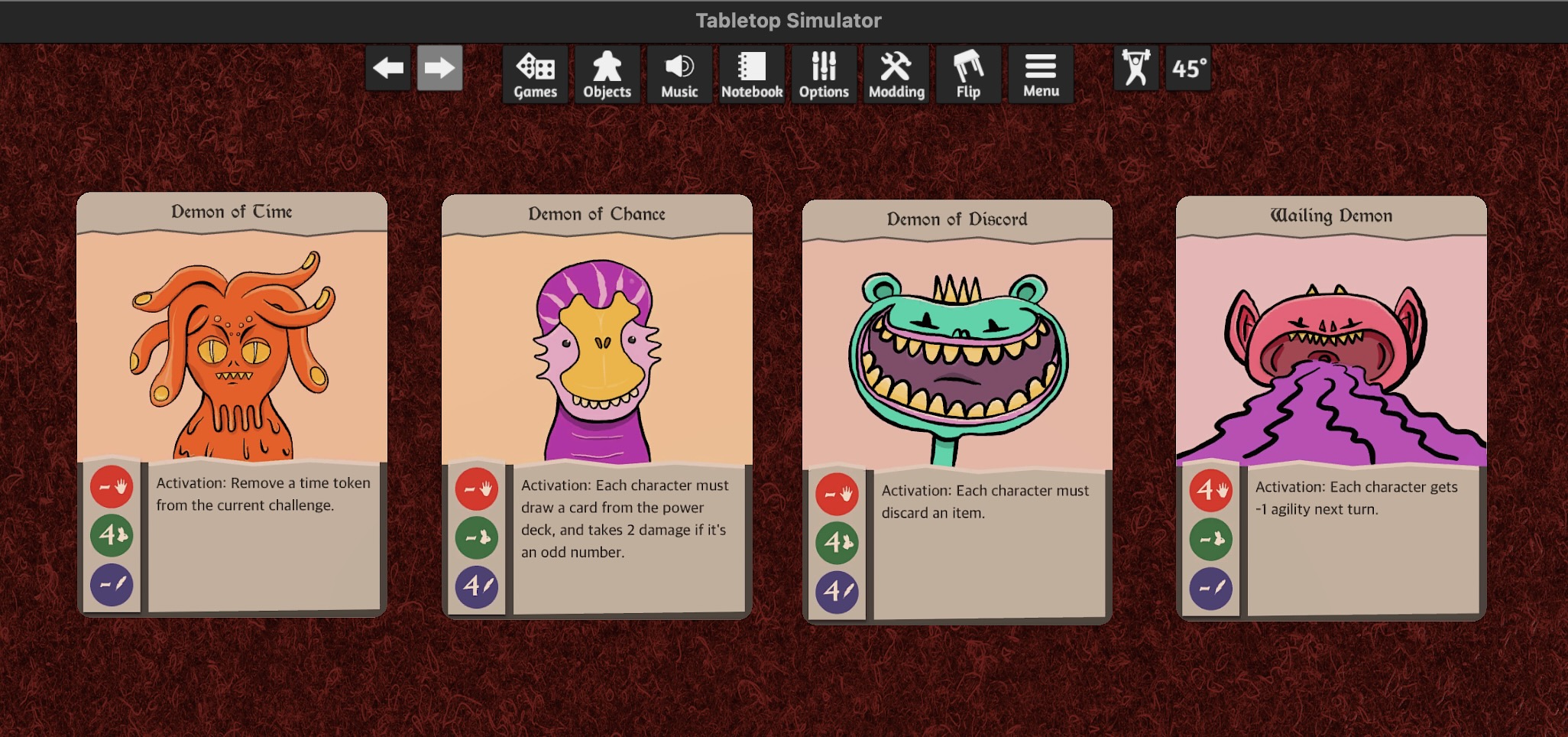
Once it’s inside TTS, you can get a quick feel for the game - shuffle the decks, draw a few starting hands, and play a game or two.
Eventually though, getting it to the kitchen table is really important. There are several reasons for this, outlined below.
Physical prototyping
You can only properly judge the effectiveness of the card designs when you see them in real life. Is the text too small? Is there enough contrast?
But what happens if you realise certain cards are overpowered? Do you print the entire game out again?
There are a few solutions here. If you’re using card sleeves, you can insert a small piece of paper with the new card rules. The only problem is the piece of paper can slide around or fall out of the sleeve.
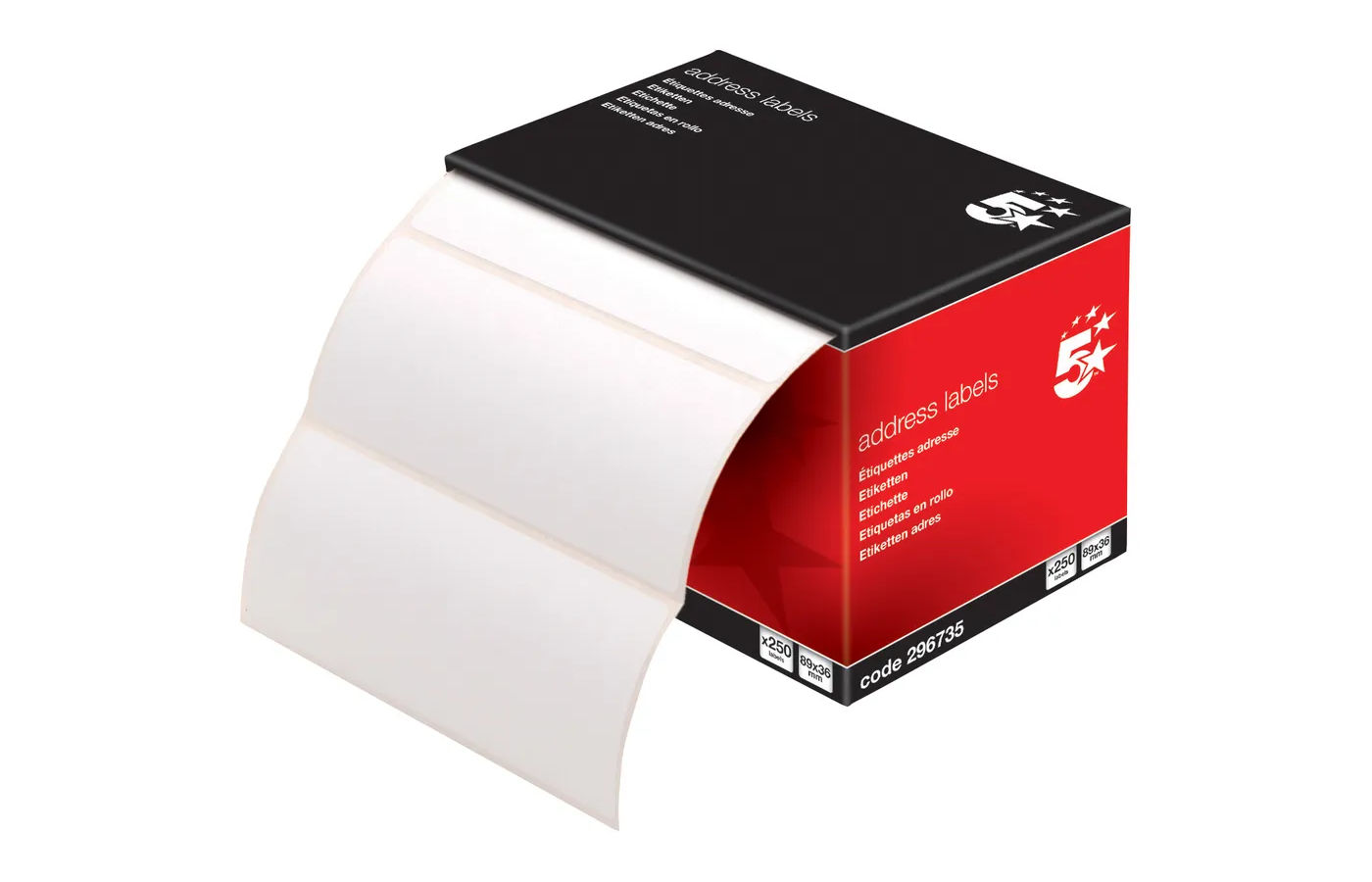
I’ve become fond of sticky address labels. They’re really cheap, and easy to get hold of. You can stick the labels onto the cards, and write the new rules on top. This is what I’ve done on the cards at the top of this page.
What quality to print out at?
If you know your prototype is in the preliminary stages, and you’re certain you’ll be printing again at a later date, then using cheap paper or cardstock makes sense.
The problem with paper cards is they don’t function well as game pieces - they flop around, are transparent, and tear very easily. But you can easily write on them, and cut them out from a sheet, so early on in the prototyping journey it can make sense.
If you’re using sleeves, you can also put a ‘proper’ card behind the paper card to increase the rigidity. If you have a pile of spare trading cards, you can use those.
As you get closer to the final design, you can start using the fancy card stock, and printing at high quality.
Velocity
The purpose of prototyping is to get bad ideas out of the way as quickly as possible.
Iterate quickly, and have fun!