3. Cards
Now you have a template, Card Game Builder (CGB) lets you easily create cards based off it.
Creating a card
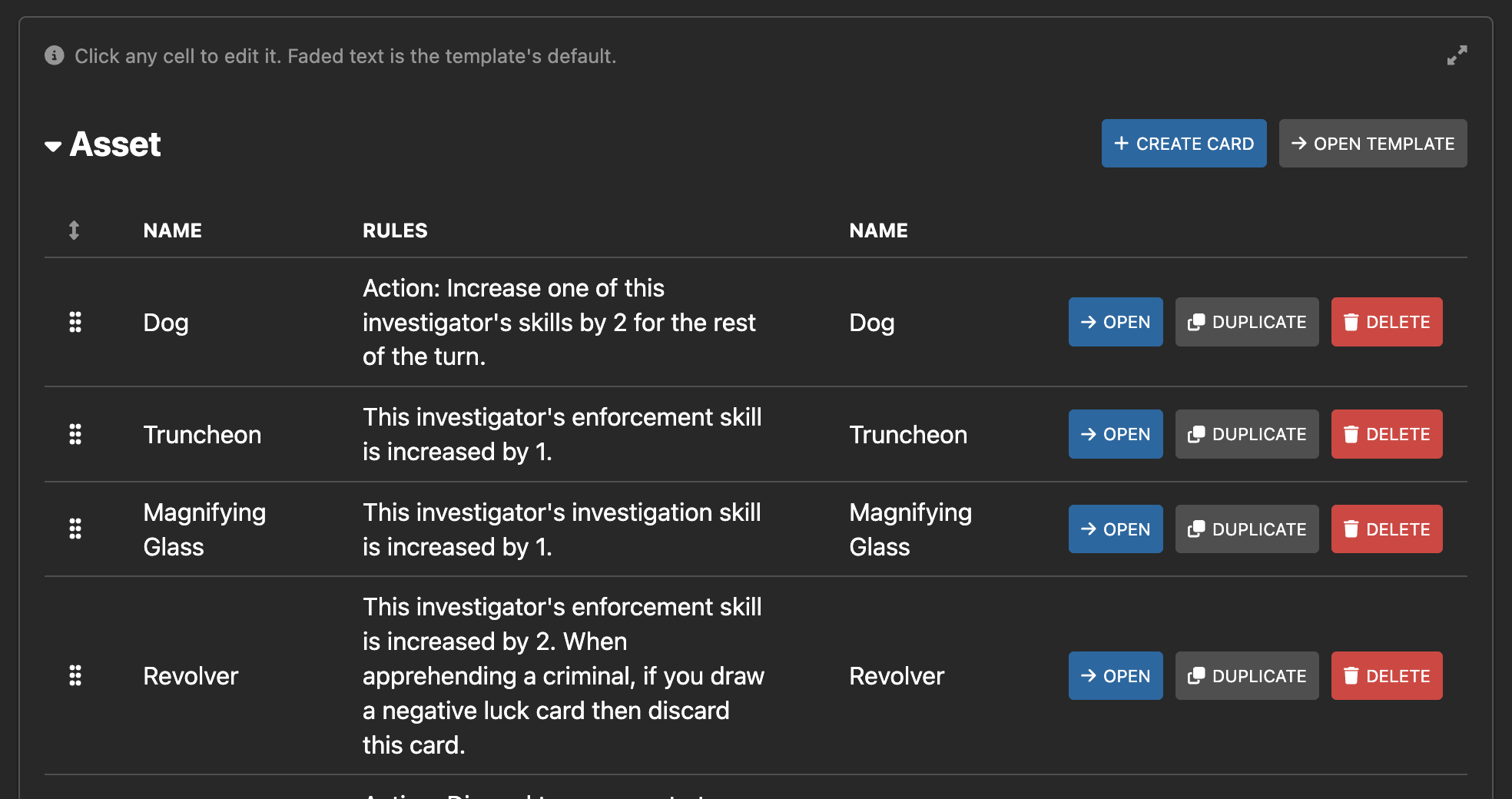
Navigate to the Cards tab to create cards. Next to the name of each template is a Create Card button.
Give your new card a name.
Overrides
You can override the text or image elements in the card’s template.
There are two ways to specify the overrides - in the Cards tab, or by viewing the Card detail page.
In the Cards tab, you can modify all of the cards in one place, like a spreadsheet. Use Show text overrides in the toolbar to choose which side of the cards to edit - the front, the back, both, or none.
By going to the card detail page, you can see the final look of the card.