6. Output
The Output tab lets you arrange your cards onto larger sheets, ready for printing.
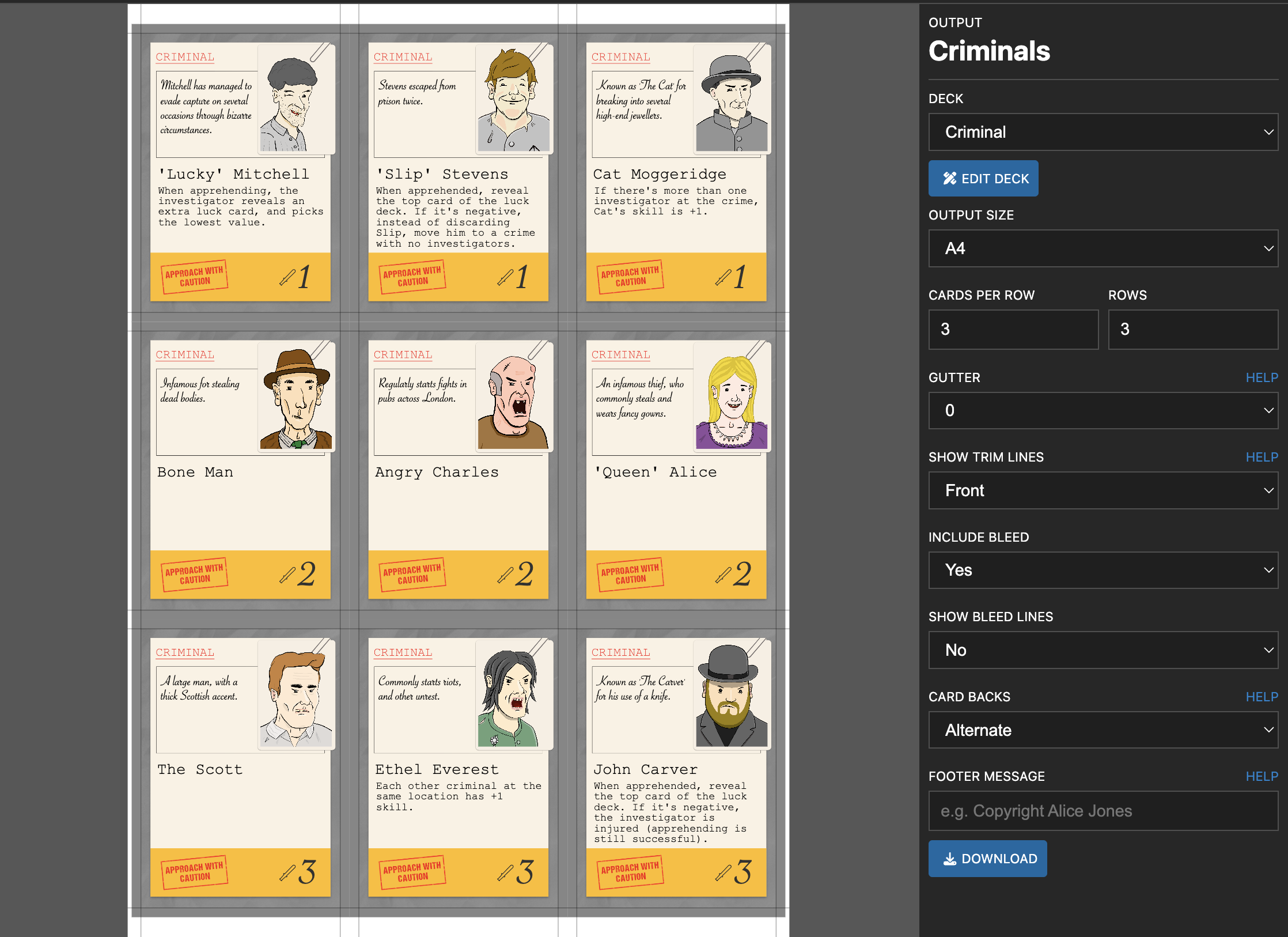
It saves a lot of time, because the following is automated:
- The cards are laid out with front and backs lining up correctly
- Cutting guides are added to the sheets
You can then download the files in common image formats (e.g. JPEG/PNG/PDF/SVG), and print them out at home.
You can also add a footer message to the bottom of each sheet - for example a copyright notice. Use {page} to insert the page number, and {year} for the year.
To play your game online instead, the Tabletop Simulator Export button on this tab exports it to Tabletop Simulator.